outlookctl.
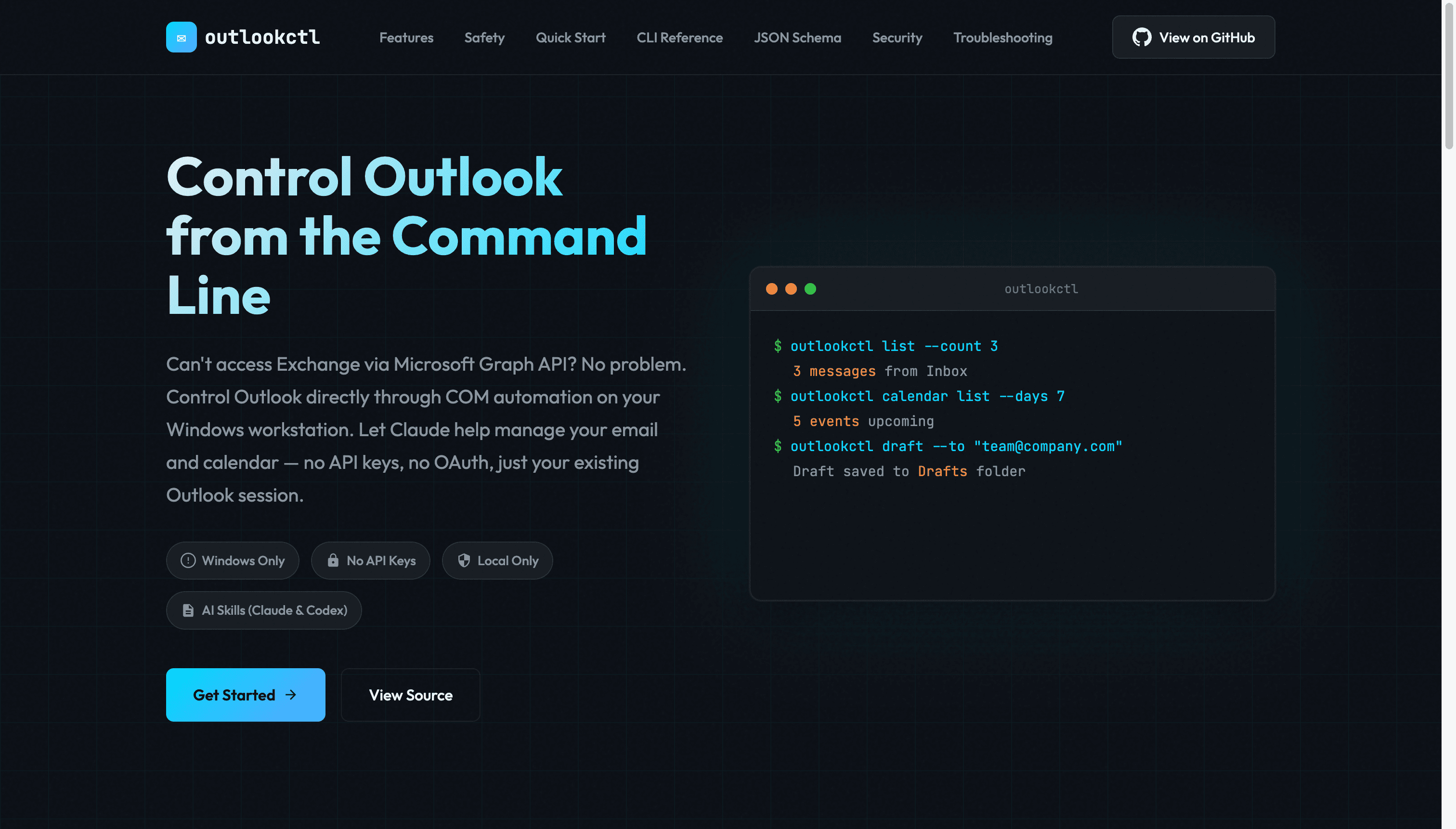
Control Outlook from the command line.
Can't access Exchange via Microsoft Graph API? Control Outlook directly through COM automation on your Windows workstation. Let Claude help manage email and calendar. No API keys, no OAuth, just your existing Outlook session. Ships with a Claude Code skill for AI-assisted workflows with safety-first defaults.
- Platform
- Windows
- Stack
- Python 3.12
- License
- MIT
01 / Constraints
Deliberately narrow.
A clear scope. Windows Classic Outlook, using the session you already have.
- 01
Windows only
COM is a Windows technology.
- 02
No API keys
Uses your existing Outlook session.
- 03
Local only
No network calls to external services.
- 04
AI skills
Claude Code and OpenAI Codex integration.
02 / How it works
Same tech as VBA macros.
outlookctl uses Windows COM automation to control the Outlook desktop client already running on your workstation.
- No API keys or OAuth · uses the existing logged-in Outlook session.
- Entirely local · no network calls to external services.
- Standard Windows COM · the same interface VBA macros use.
- JSON output · deterministic, parseable for AI integration.
Built for corporate environments where Graph API access is restricted.
03 / Safety
Draft-first by default.
Nothing leaves the outbox without explicit approval. All emails and meeting invitations go through a draft-review-confirm workflow.
- 01
Create draft
outlookctl draft saves to the Drafts folder.
- 02
Review
Check recipients, content, and attachments.
- 03
Confirm send
--confirm-send YES is required to dispatch.
All send ops logged to %LOCALAPPDATA%/outlookctl/audit.log.
04 / Features
What it does.
- 01
Email management
List, search, draft, send. AI-assisted triage and response generation with safety-first workflows.
- 02
Calendar control
View events, create meetings, respond to invites. Shared calendars included.
- 03
Claude Code skill
Built-in skill for AI-assisted workflows. Let Claude help triage the inbox and manage the schedule.
- 04
Safety first
Draft-first workflow, explicit confirmations, audit logging. Nothing sends without approval.
05 / Quick start
Install, verify, skill.
git clone https://github.com/gmickel/outlookctl.git
cd outlookctl
uv sync

# Verify environment
uv run python -m outlookctl.cli doctor

# Install AI skill
uv run python tools/install_skill.py --personal   # Claude Code
uv run python tools/install_skill.py --codex      # OpenAI Codex
06 / Spec
Technical details.
- Stack
- Python 3.12 + pywin32
- Automation
- Windows COM (Classic)
- Output
- Structured JSON
- Requirements
- Windows + Classic Outlook
- Dependencies
- pywin32
- License
- MIT
Who it's for
Developers and operators on Windows Devboxes who need to automate Outlook in environments where Graph API access is restricted.
Perfect for corporate environments with strict security policies. Uses your existing authenticated session. No app registration needed.
- Windows
- Python
- Open Source